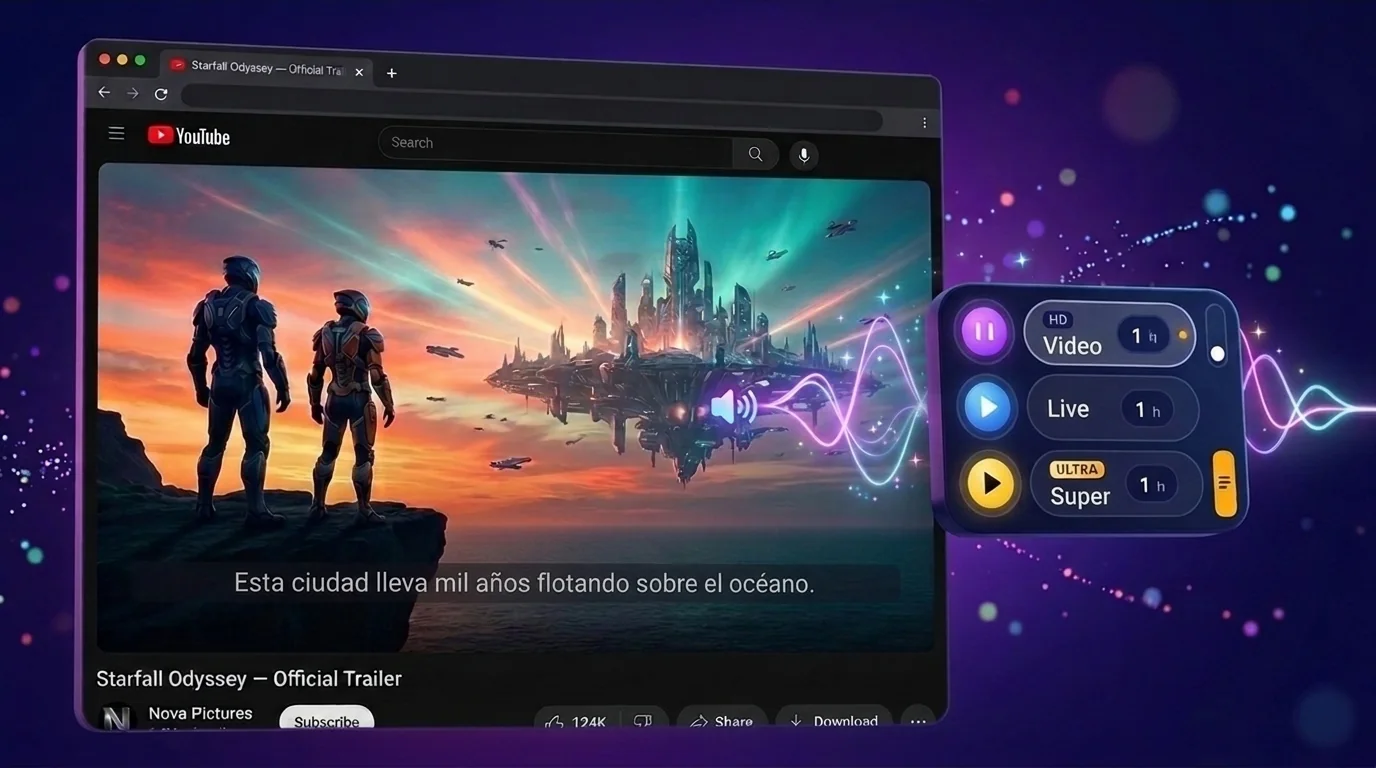
Video mode HD
Voice-over and subtitles for the video you watch.
- Yandex-quality voice-over for popular languages.
- The video's own subtitles, translated. Export to SRT or TXT.
- No subtitles? AnyDub listens to the audio.
Pascual Labs · Products · Pascual AnyDub

Pascual AnyDub translates and dubs videos right in your browser: YouTube, TikTok, Twitch, Vimeo, Rutube and other sites with video.
Voice-over and subtitles for the video you watch.
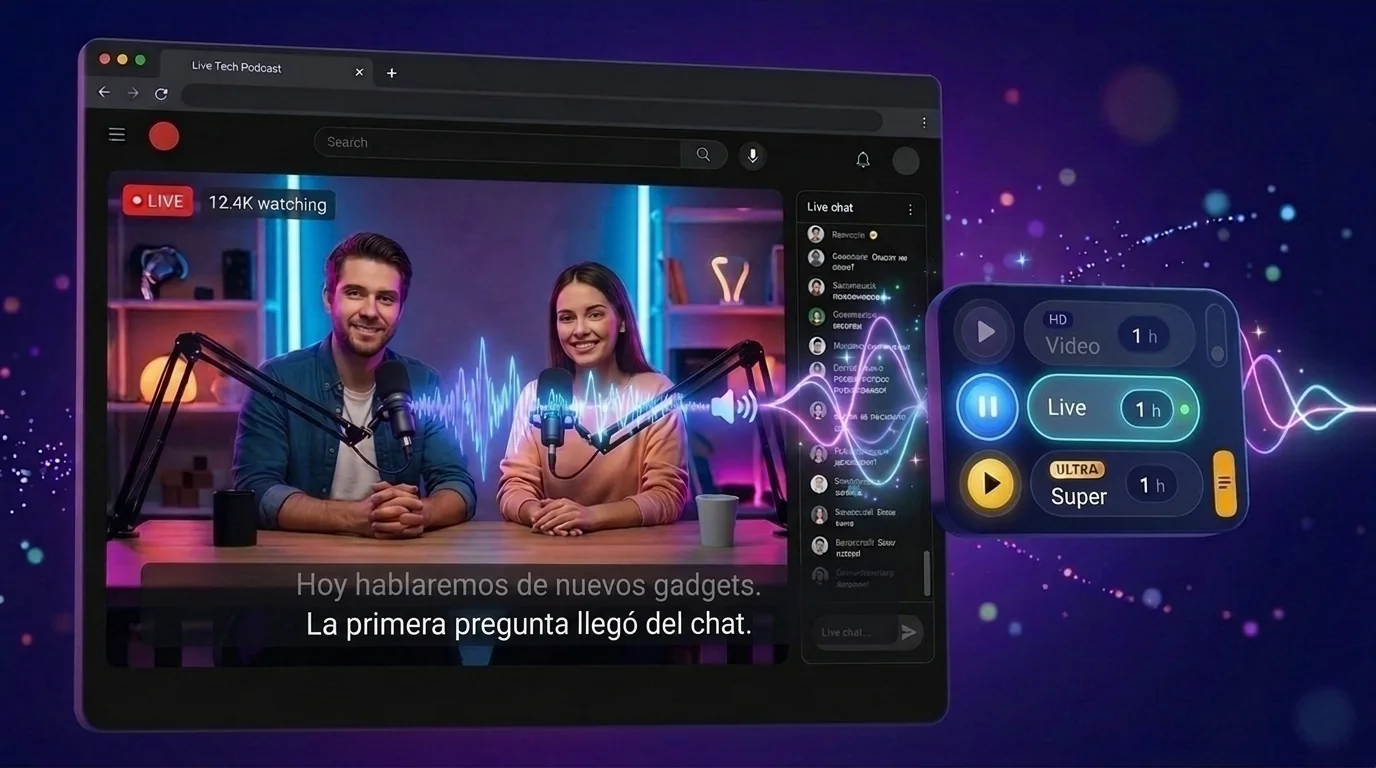
Translate any sound in the tab live: streams, calls, podcasts.
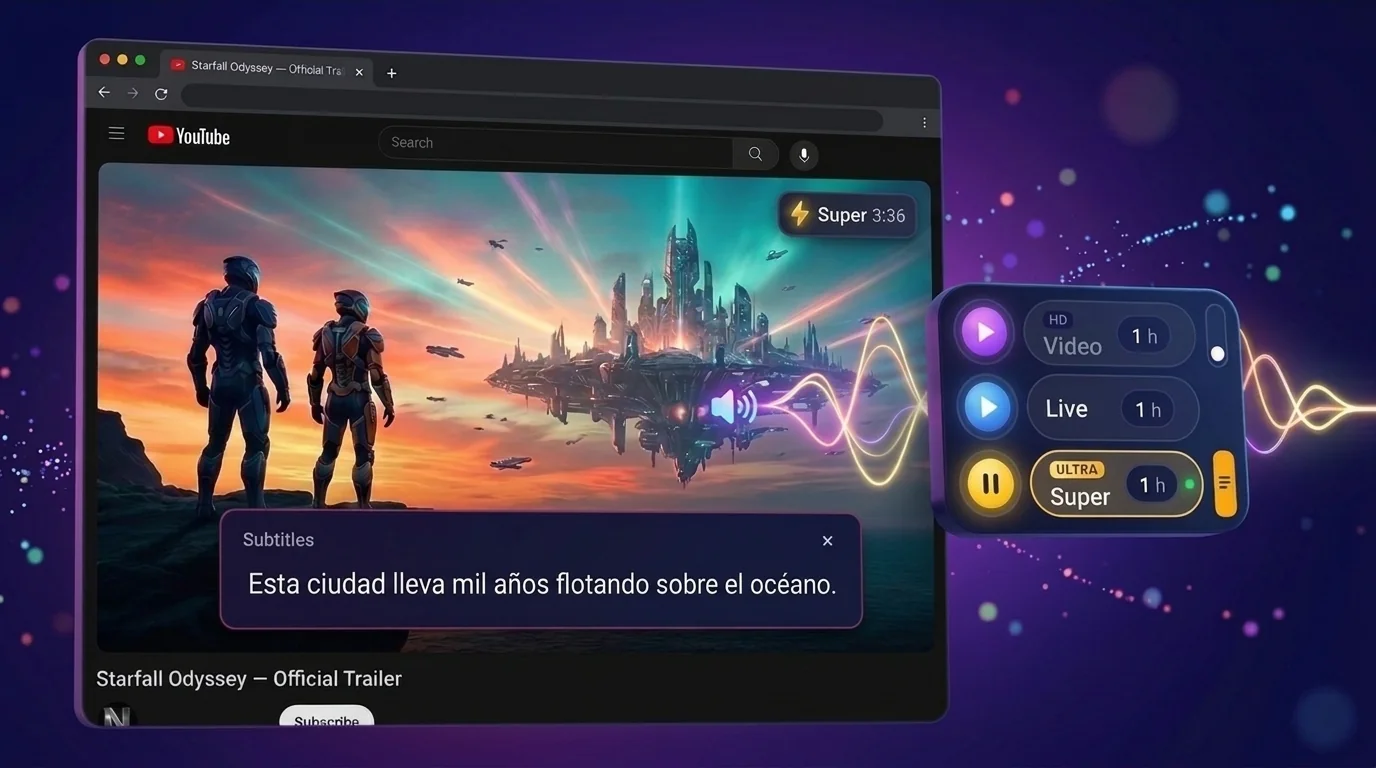
Live translation with a natural AI voice that speaks while the video plays.
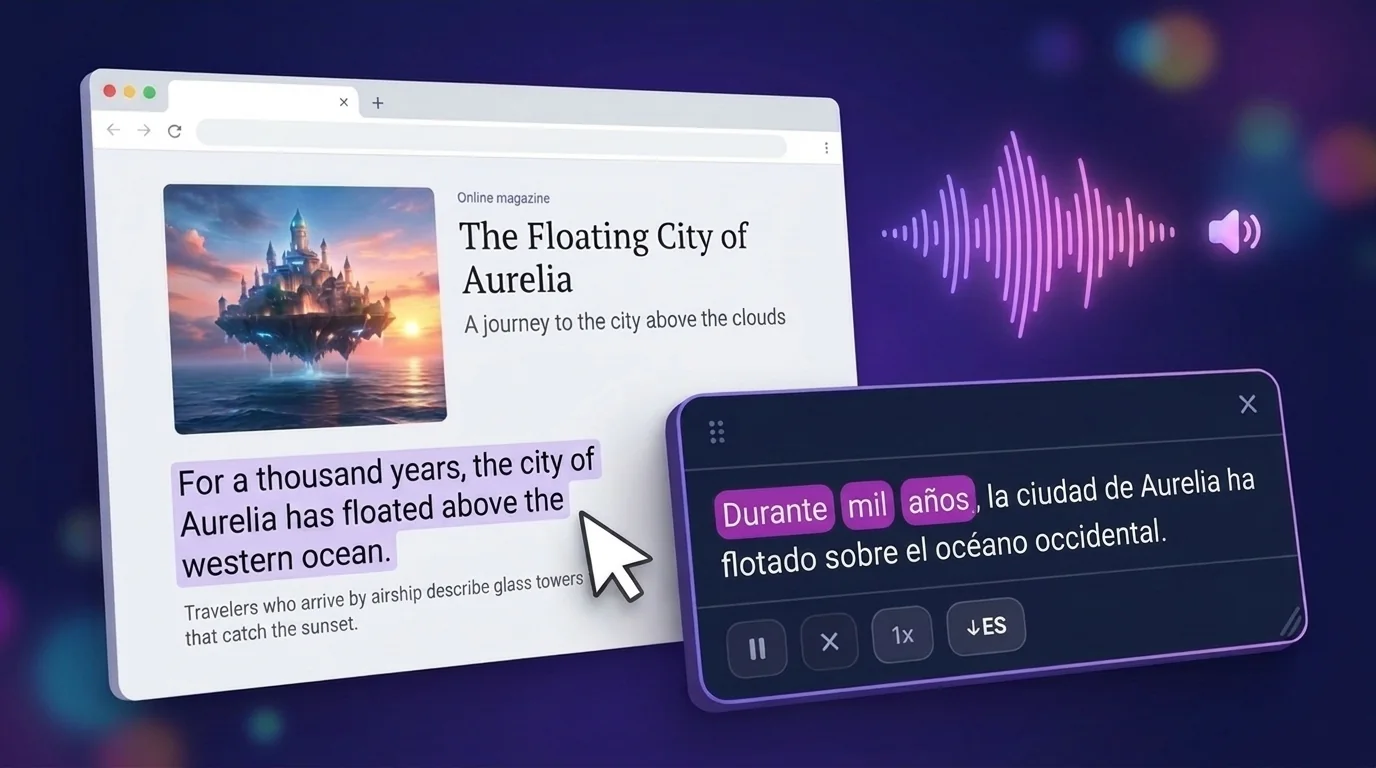
Select a paragraph on any page. AnyDub translates it and reads it aloud, highlighting each word as it goes. Save the text or the audio as a file.
| LITE | SD | HD | ULTRA | |
|---|---|---|---|---|
| Recognition | Offline Lite | Google, Offline Pro | AnyDub Cloud | Super (live AI recognition) |
| Translator | Offline | Online | Smart (AI) | Super (live AI translation) |
| Voice | — | System voices (Google, Microsoft) | AI voices | Super (live AI voice) |
LITE and SD are free and unlimited. HD and ULTRA use minutes: a free daily allowance, more in Pro or with minute packs. See Pro plans
The original line and the translation, stacked like captions.
This city has floated above the ocean for a thousand years.
Esta ciudad lleva mil años flotando sobre el océano.
Auto-subtitles often mishear terms. Smart (AI) reads the video title and nearby lines, so it gets them right.
turn left at the next nightGira a la izquierda la próxima nocheturn left at the next lightGira a la izquierda en el próximo semáforoThe extension interface itself is available in 51 languages.
Sign-in gift: +10 min AnyDub Cloud, +3 min Smart (AI)
Add to ChromeYes. LITE and SD are free and unlimited, voice-over included. HD and ULTRA come with a free daily allowance of minutes. Pro starts at $3.99/month.
YouTube, TikTok, Twitch, Vimeo, Rutube and other sites with video. Live mode translates any sound playing in the tab.
They are quality tiers. LITE works offline. SD uses Google recognition, the online translator and system voices. HD uses AnyDub Cloud, Smart (AI) and AI voices. ULTRA is Super with a live AI voice.
AnyDub switches to the free option and shows a window where you can buy minutes or sign in.
No. Audio is processed for translation and is not stored. Files on your computer never leave it.
Which of the three modes to use and when, how the subtitle options work, where each mode stops working — and what to do about it.
Where AI video dubbing actually works in 2026, where it still falls flat, and how to use it without sounding robotic. A practical guide from the team building Pascual AnyDub.
Browser vs desktop, real-time vs pre-render, dubbing vs subtitles — how to choose the best AI video dubbing tool in 2026, and what a good dubbing Chrome extension looks like.
Learn how to watch YouTube in your language with real-time AI voice dubbing — right in your browser. No downloads, no editing, no separate player.
Understand foreign TikToks without subtitles. Learn how AI dubbing translates TikTok audio into English — or any language — and plays it in your browser in real time.